

Gemini AI assistance means using Google’s AI assistant to write, plan, research, learn and get everyday tasks done, from a chat window, your phone, Chrome or Google apps like Gmail and Docs. You type, speak or upload a photo or file, and Gemini answers or does the work for you.
This guide explains what Gemini can do, where you can use it, how to start for free, what the paid plans add, and what to do when something goes wrong. If you are still choosing a tool, our best AI assistant comparison shows how Gemini stacks up against the other big names.
What Is Gemini AI Assistance?
Gemini is Google’s AI assistant. It replaced the older Bard chatbot, and on Android it can take over from Google Assistant. Unlike a plain search engine, it writes full answers, explains topics step by step and works with text, images, voice, files and video.
Google’s official Gemini page lists the main tools: Gemini Live for voice and camera chats, image, video and music creation, Deep Research, Canvas, Gems, Personal Intelligence and Gemini inside Chrome, Gmail and Docs. The sections below explain each one in plain language.
What Can Gemini Help You Do?
Write and edit
Ask Gemini to draft an email, rewrite a paragraph in a friendlier tone or build an outline for a school essay. Canvas gives you a separate workspace where you can edit the text side by side with the chat instead of scrolling through replies.
Research a topic
Deep Research gathers information from many web sources and puts it into one organised report with sources. Zapier’s guide describes it as a way to compile cited material from many online references, which saves hours of tab-hopping.
Talk to it with Gemini Live
Gemini Live lets you have a natural, back-and-forth voice conversation. On Android you can interrupt it mid-answer to change the question, and you can share your camera or screen to ask about what you are looking at.
Understand files, photos and PDFs
Upload a PDF, a photo or a video and ask for a summary, a translation or an explanation. This is handy for long reports, handwritten notes or a screenshot you cannot make sense of.
Create images, video and music
Gemini can generate and edit images, create short videos and make music from a text description. Image tools run on the Nano Banana models, and video tools are tied to Google’s Veo and Gemini Omni Flash models.
Build your own helpers with Gems
A Gem is a custom version of Gemini with instructions you write once, such as “act as my English speaking coach”. If you already use Gems, read our guide on converting Gemini Gems to Skills.
Work inside Google apps
Gemini works in Gmail, Docs, Sheets and other Google apps. Tom’s Guide highlights uses such as turning a document into a podcast-style audio discussion and asking Gemini to create formulas and charts in Sheets. Connected apps can also pull in context from Gmail, Drive and Calendar when you allow it.
Plan your day
You can ask for a trip itinerary, set timers or schedule an action. Zapier notes that scheduled actions mostly cover reminders in Google Tasks and Calendar, so think of it as a reminder helper rather than a full automation tool.
Where You Can Use Gemini
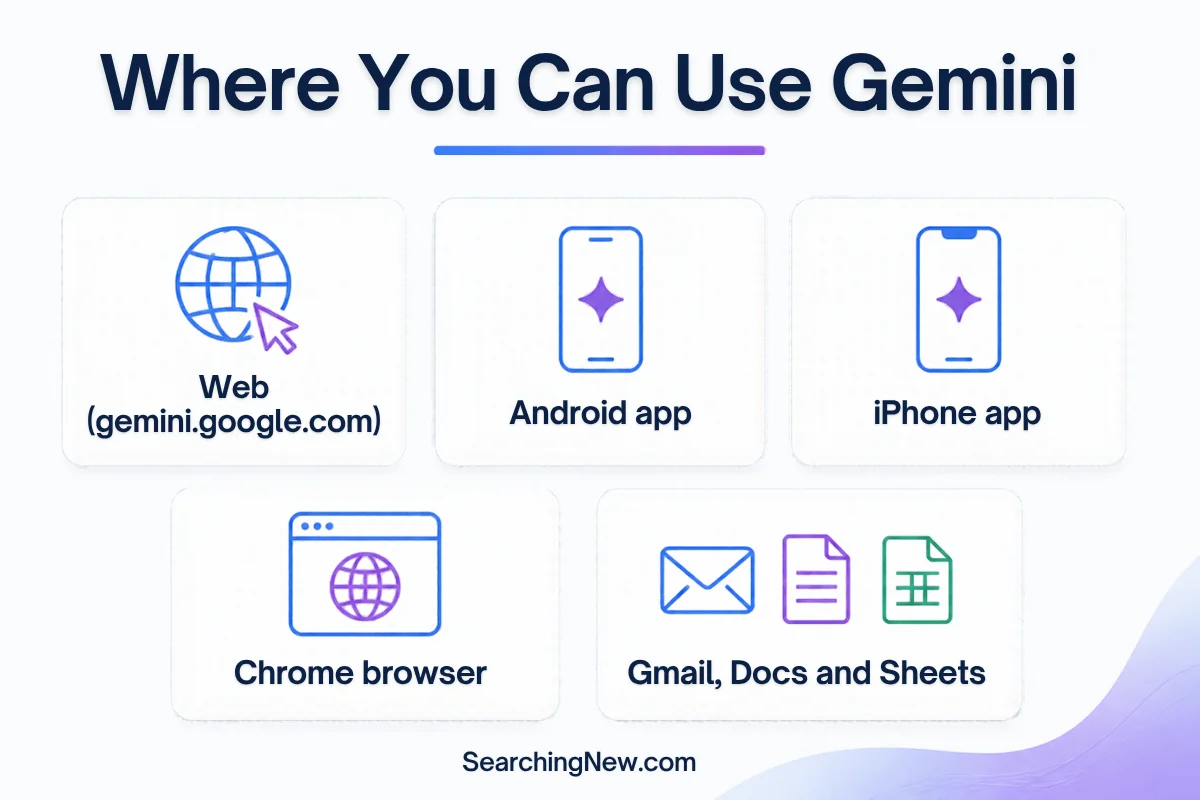
- Web: go to gemini.google.com and sign in with your Google Account.
- Android: install the Gemini app, or long-press the power button, or say “Hey Google” once Gemini is your assistant.
- iPhone: download the Google Gemini app from the App Store.
- Chrome: Gemini in Chrome appears in a side panel so you can ask about the page you are reading.
- Google apps: look for the Gemini icon in Gmail, Docs, Sheets and other Workspace apps.
How to Get Started With Gemini (Step by Step)
On the web
- Open gemini.google.com in any browser.
- Sign in with your Google Account. A free account is enough.
- Type a clear request in the box, for example: “Explain solar panels to a 10 year old in five short points.”
- Use the model menu to switch models if you want a different style or depth.
- Follow up in the same chat to refine the answer.
On Android
- Install the Gemini app from Google Play. Android Central lists Android 10 or later and at least 2 GB of RAM as requirements.
- Open the app, tap Get started and accept the terms.
- To make Gemini your default assistant, go to Settings, then Apps, then Assistant, then Digital assistants from Google, and choose Gemini.
- Tap the Gemini Live button at the bottom right to start a voice chat.
Prompt ideas that work well
- “Summarise this PDF in 5 bullet points and list any dates.”
- “Plan a 3 day trip to Jaipur on a medium budget.”
- “Rewrite this email so it sounds polite but firm.”
- “Teach me the basics of Excel in a 7 day plan, 20 minutes a day.”
The more detail you give about your goal, audience and format, the better the answer usually is.
Gemini Plans and Pricing
| Plan | Cost | What you get |
|---|---|---|
| Free | $0 | Everyday Gemini access with the Flash-Lite model, Gemini Live and Canvas |
| Google AI Plus | $4.99/month | Higher limits and newer models than the free plan |
| Google AI Pro | $19.99/month | Includes Gemini 4 Argon, Google’s newest frontier model, plus Pro and Flash models |
| Google AI Ultra | From $99.99/month | Highest limits and the most advanced tools |
| Gemini Enterprise | From $21 per seat/month | For businesses and teams |
For model details, see our Gemini 4 Argon guide. Readers in India can also check our post on free Gemini Pro for Jio users.
Gemini vs Google Assistant
On Android, Gemini is designed to replace Google Assistant, and it handles open-ended questions, writing and file analysis far better. But Android Central points out that Assistant still does a few things Gemini does not, such as running custom Google Home routines and searching your Google Photos. If you rely on those, test them before you switch fully. You can switch back to Assistant in settings.
Gemini vs ChatGPT and Claude
Gemini’s biggest advantage is how closely it connects to Google services like Gmail, Drive, Calendar, Docs and Chrome. If you live in the Google ecosystem, that saves a lot of copying and pasting. ChatGPT and Claude are strong general assistants too. Our ChatGPT review and Claude AI review cover their plans and strengths so you can compare.
Common Problems and Fixes
- Gemini will not install or open: check that your phone meets the Android 10 and 2 GB RAM requirement, and update the Google app.
- Your account is not supported: Android Central notes that Google Workspace for Education accounts for minors and Family Link accounts are not supported.
- Error message in the chat: Google’s Gemini Apps Help Center has a page on troubleshooting error codes.
- Wrong or made-up answers: Gemini can produce incorrect information. Double-check important facts such as health, money or legal details with an official source.
- Privacy worries: avoid sharing private information when you use camera or screen sharing in Gemini Live, and review your activity settings in your Google Account.
Who Should Use Gemini?
Gemini suits students, office workers, writers and Android users who want an assistant that works with Gmail, Docs and Chrome. It is also a good first AI assistant because the free plan is generous enough to learn the basics.
Frequently Asked Questions
What is Gemini AI assistance?
It is the help you get from Google’s Gemini assistant: answering questions, writing, summarising files, planning, researching and creating images or video through chat, voice or Google apps.
Is Gemini free to use?
Yes. You can start free with a Google Account. Paid Google AI plans add higher limits and newer models.
Does Gemini replace Google Assistant?
On Android, Gemini can take over as your default assistant, but it is optional and you can switch back in settings.
Is Gemini better than ChatGPT?
It depends on your needs. Gemini is strongest when you want tight links with Google apps, while ChatGPT and Claude are strong all-round alternatives. Try the free plans and see which fits your work.
Can Gemini work inside Gmail, Docs and Sheets?
Yes. Gemini is built into Google apps such as Gmail, Docs and Sheets, where it can summarise, draft and help with formulas.
Can I trust Gemini’s answers?
Treat them as a strong first draft. Gemini can be wrong, so verify anything important.
Final Verdict
Gemini is one of the most useful free AI assistants you can start with, especially if you already use Google services. The free plan covers writing, research help, voice chats and file summaries. Upgrade only if you hit limits or need the newest models. Start with the web version, try three or four real tasks from your week, and you will quickly see where it saves you time.
Pingback: Gemini 4 Argon: Features, Pricing and Who Can Use It - Searching New
Pingback: ChatGPT vs Gemini vs Claude: Which Is Best in 2026?