
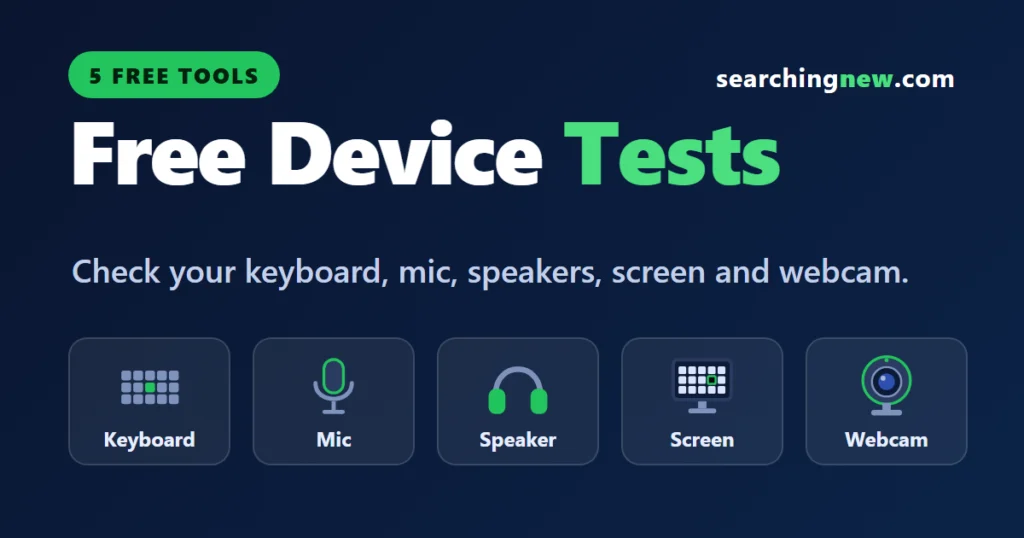
These five free tools check the hardware you use every day, right in your browser. Pick the one you need, click start and see the result in seconds. There is nothing to download or sign up for, and nothing you test is uploaded.
Keyboard Tester
Press every key and watch it light up. Find dead or stuck keys and see how many keys your keyboard can register at once.
Open the keyboard tester →Mic Test
See a live level bar when you speak, then record 5 seconds and play it back to hear how you sound.
Open the mic test →Speaker & Headphone Test
Play sound on the left, right or both sides, then run a bass-to-treble sweep to hear what your speakers can play.
Open the speaker test →Dead Pixel Test
Fill your screen with solid colours to spot dead pixels, stuck pixels and backlight bleed.
Open the dead pixel test →Webcam Test
Check that your camera works, see its resolution and frame rate, and take a test photo.
Open the webcam test →Which test do I need?
| The problem | Try this |
|---|---|
| A key does not type, or types twice | Keyboard Tester |
| People cannot hear me on calls | Mic Test |
| One earbud or speaker is quiet or silent | Speaker & Headphone Test |
| I see a tiny dot or patch on my screen | Dead Pixel Test |
| My camera is black, dark or blurry | Webcam Test |
Why use these tools?
- Free and simple. No download, no account and no software to install.
- Private. The tests run in your browser. Your keystrokes, voice, video and photos are not uploaded.
- More than a test. Each tool page explains what the result means and how to fix common problems on Windows 11 and Mac.
Before you start
- Use a recent version of Chrome, Edge, Firefox or Safari.
- For the mic and webcam tests, click Allow when your browser asks for access.
- Keep the volume low when you start the speaker test, and wear headphones when you play back a mic recording.
- The keyboard tester needs a physical keyboard, so use a computer or a phone with a keyboard attached.
Fix the problem, not just test it
If a test shows something is wrong, these guides walk you through the fixes:
- Laptop camera not working in Windows 11
- Bluetooth not working in Windows 11
- No sound after a Windows update
- Touchpad not working in Windows 11
Buying a new laptop?
Run all five tests in the first days after you buy, while returns and replacements are easiest. Our guides to the best laptops under 50000 and 60000 in India and the best gaming laptops in India can help you choose.
Frequently asked questions
Are these tools really free?
Yes. They are free to use, with no sign-up and no download.
Do the tools upload my data?
No. Each test runs in your browser. Nothing you type, say or show to the camera is sent to a server.
Do they work on a phone or tablet?
The mic, speaker, dead pixel and webcam tests work in current versions of Chrome and Safari. The keyboard tester needs a physical keyboard.
Which browser should I use?
A recent version of Chrome, Edge, Firefox or Safari works well. If a test does not start, try another browser.