

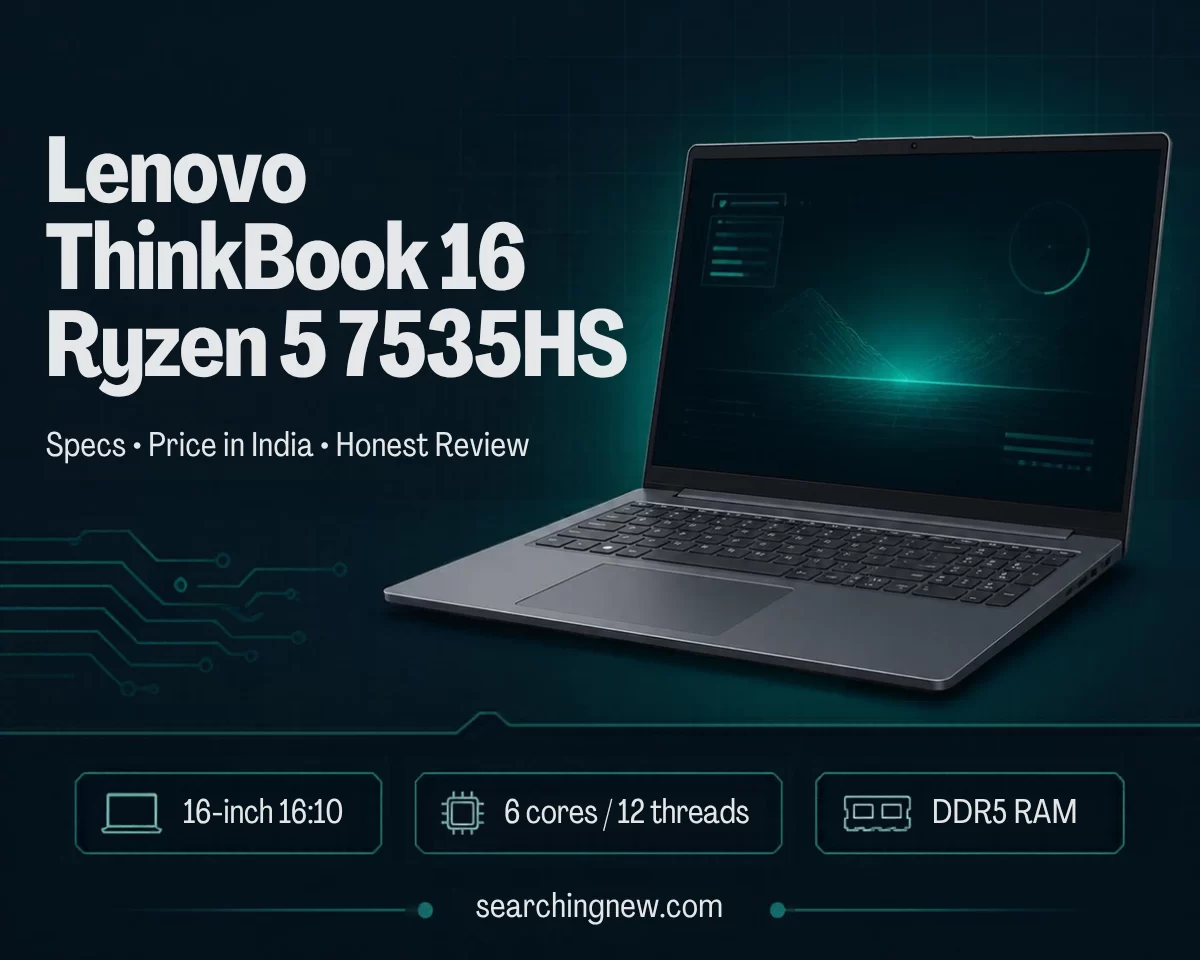
The Lenovo ThinkBook 16 with the AMD Ryzen 5 7535HS is a 16-inch laptop for office work, study and everyday multitasking. It is not a gaming laptop and it is not very light. What it does offer is a fast six-core processor, a large 16:10 screen, many ports, and RAM and SSD slots you can upgrade yourself.
Quick answer: It is a good buy if you want a big screen and strong everyday speed at a reasonable price, and you will mostly use it on a desk. Skip it if you want a light laptop, a bright colour-accurate screen, or serious gaming.
Disclosure: This post contains an affiliate link. If you buy through it, we may earn a small commission at no extra cost to you. As an Amazon Associate we earn from qualifying purchases.
Which ThinkBook 16 is this? (G6 vs G7 confusion)
Lenovo sells several laptops called “ThinkBook 16”. The one with the Ryzen 5 7535HS is the ThinkBook 16 Gen 7 (G7 ARP), machine type 21MW. The older ThinkBook 16 G6 ABP uses different chips, such as the Ryzen 5 7530U or Ryzen 5 7430U, according to Lenovo’s G6 spec sheet and retailer listings. Those are lower-power “U” series processors, so do not mix up the two when comparing prices.
Model numbers you may see on Indian shopping sites include 21MWA0BRIN (8 GB RAM, 512 GB SSD), 21MWA0BSIN (16 GB RAM, 512 GB SSD), 21MWA08MIN and 21MW00ETIN (both 16 GB RAM, 512 GB SSD). Always read the full listing, because the same model name is sold with different RAM, storage and operating systems.
Lenovo ThinkBook 16 Ryzen 5 7535HS specifications
| Part | What you get |
|---|---|
| Processor | AMD Ryzen 5 7535HS, 6 cores / 12 threads, 3.3 GHz base, up to 4.55 GHz boost, 16 MB L3 cache |
| Graphics | Integrated AMD Radeon 660M (no separate graphics card) |
| Display | 16-inch, 1920 x 1200 (WUXGA), IPS, 16:10, anti-glare, 60 Hz. Commonly listed at 300 nits and 45% NTSC |
| Memory | DDR5-4800, two SO-DIMM slots, up to 64 GB supported. Many models ship with one 8 GB or 16 GB stick |
| Storage | M.2 PCIe 4.0 NVMe SSD. Common sizes are 256 GB and 512 GB. Two M.2 slots are reported by reviewers |
| Ports | USB4 (40 Gbps) USB-C, a second USB-C (10 Gbps), USB-A, HDMI 2.1, Gigabit Ethernet, SD card reader, headphone/mic jack |
| Wireless | Wi-Fi 6E and Bluetooth 5.3 on the models we checked |
| Battery and charger | 45 Wh battery, 65 W USB-C charger |
| Weight | Starts at 1.7 kg (3.75 lb), per Lenovo |
| Camera and security | 1080p + IR camera with privacy shutter, fingerprint reader on many models |
| Keyboard | Full-size keyboard with number pad, backlit on many models |
Note: Ports, camera, fingerprint reader and operating system can change by country and by exact model number. Check the listing for your model before you pay.
How fast is the Ryzen 5 7535HS?
The 7535HS is a six-core Zen 3+ chip from AMD’s 7000 series. The “HS” letters mean it is a higher-power chip than the “U” series chips used in many thin laptops. That usually means better speed when you open many apps at once.
The Indian tech site 91mobiles ran benchmarks on a ThinkBook 16 Gen 7 with 16 GB RAM and compared it with a few other laptops. These are one reviewer’s results, so treat them as a guide, not a promise.
| Test | ThinkBook 16 (Ryzen 5 7535HS) | Acer Aspire 15 (Ryzen 7 7730U) |
|---|---|---|
| Cinebench R23 multi-core | 9,393 | 9,262 |
| Geekbench 6 multi-core | 8,072 | 6,395 |
| PCMark 10 | 5,779 | 5,665 |
| 3DMark Time Spy (graphics) | 1,534 | 964 |
| Battery (video loop) | 9 h 00 min | 5 h 40 min |
In plain words: it is fast enough for browsing with many tabs, Excel, video calls, coding and light photo or video editing. The graphics are better than most budget laptops with integrated graphics, but still basic.
Display, keyboard and build
- Screen: The 16:10 shape gives extra height, which helps with documents and spreadsheets. Reviewers say it is fine indoors but not bright outdoors, and the colours are average. Notebookcheck also points out the 60 Hz refresh rate.
- Keyboard: The German magazine c’t (via Heise) praised the keyboard and the number pad. 91mobiles also found it comfortable for long typing.
- Build: Reviewers describe the build as solid. Indian listings mention an aluminium top cover.
- Size: At 1.7 kg it is easy enough to carry sometimes, but Notebookcheck says it suits a desk better than daily travel.
Battery life: the honest answer
The battery is 45 Wh, which is small for a 16-inch laptop. Reviews disagree. 91mobiles measured about 9 hours in a video-playback test. The c’t test reported by Heise called the battery life short on an 8 GB / 256 GB unit. Your result will depend on screen brightness, power mode, RAM and what you run. Plan for a normal workday on a mixed load only if you keep brightness moderate, and carry the charger if you travel. The 65 W charger is USB-C, so you can charge a phone with it too.
Price in India (checked October 2026)
Prices move often. Here is what trackers and news sites showed:
- Launch MRP in India (2025): Rs. 85,000 for the 8 GB / 512 GB model and Rs. 87,800 for the 16 GB / 512 GB model, according to Tech Stories India.
- Amazon India, early October 2026: price trackers showed about Rs. 63,850 for an 8 GB / 512 GB listing (8 October) and about Rs. 61,851 for a 16 GB / 512 GB bundle that included a security software pack (8 October). Another listing for model 21MWA0BSIN showed Rs. 77,900 on 7 October.
- Newer model code: the 21MW00ETIN (16 GB / 512 GB) was reported as launched at Rs. 75,990 in September 2026.
- Lowest prices seen: trackers list lows near Rs. 40,600 to Rs. 43,400 over the past year, so deals do happen.
The gap between listings is large because RAM, bundles and sellers differ. Check the price history chart before you buy and do not pay MRP. I could not verify the exact price on your day of reading, so confirm it on the shop page.
Pros and cons
What is good
- Fast six-core processor for the price
- Large 16:10 screen for work
- Two RAM slots and two SSD slots (as reported by reviewers)
- Good port selection, including USB4, HDMI, Ethernet and an SD card reader
- Privacy shutter on the camera
What is not so good
- Small 45 Wh battery
- 60 Hz screen with average brightness and colours
- Integrated graphics only, so it is weak for modern games
- Not very portable at 1.7 kg
- Warranty on many Indian listings is 1 year only
Who should buy it, and who should not
Good for: students, office workers, freelancers, small business owners, and anyone who wants a big work screen without paying for a premium laptop.
Not ideal for: serious gamers (get a laptop with a dedicated graphics card), video editors who need accurate colour (use an external monitor), or people who travel daily and want a light 13 or 14-inch laptop.
Practical examples
- College student: Notes, PDFs, a browser with many tabs and a video lecture at the same time. Choose the 16 GB model. 8 GB will feel tight.
- Accountant or office user: Large Excel files and a number pad make daily work faster. The Ethernet port helps in offices with wired internet.
- Casual gamer: Notebookcheck says the Radeon 660M is only for casual gaming, with new games at minimal details. Older and light games are a better fit.
- Photo editor: Basic editing is fine. For colour-sensitive work, connect an external monitor through the USB4 port, which Lenovo says supports up to 5K at 60 Hz.
Common mistakes to avoid when buying
- Buying the 8 GB version without a plan to upgrade. RAM is a SO-DIMM stick on this model, so you can add or replace it. Make sure the second slot is free and use DDR5-4800 memory.
- Mixing up G6 and G7. The G6 ABP uses Ryzen “U” chips. Check that the listing says 7535HS.
- Ignoring the operating system. Some Indian listings come with Windows 11 Home and Office 2024. Some cheap listings are sold with DOS, which means no Windows. You will need to buy a licence.
- Assuming the display is great for colour work. It is not. Many listings state 45% NTSC.
- Assuming any second SSD will fit. Some units ship with a short M.2 2242 SSD. Confirm the slot size in the Lenovo service manual or with the seller before you buy a second drive.
- Paying MRP. Prices have changed by tens of thousands of rupees over the past year.
- Buying from an unknown seller. Check that warranty is valid in India and that the invoice is in your name.
Troubleshooting common problems
These are general fixes that work on most Windows laptops. Steps may look slightly different on your screen.
The laptop is charging slowly or not charging
- Use the original 65 W USB-C charger and cable. Phone chargers often give too little power.
- Both USB-C ports support power delivery according to Lenovo’s spec sheet, so try the other port.
- Check the wall socket and try another one.
- Restart, then update BIOS and drivers from Lenovo Support or the Lenovo Vantage app.
- If it still does not charge, contact Lenovo service. Do not open the laptop while it is under warranty.
Battery drains too fast
- Lower the screen brightness first. It is the biggest battery user.
- Open Settings, then System, then Power and set the power mode to Balanced or Best power efficiency.
- Close apps that run in the background (Task Manager, Startup apps).
- Unplug USB devices you do not use.
Laptop feels slow or freezes with many tabs
- Check how much RAM you have: press Ctrl + Shift + Esc, open Performance, then Memory.
- If you have 8 GB, upgrade to 16 GB or more. Fill both slots with matching DDR5 sticks for the best speed.
- Free up SSD space. Keep at least 15 to 20 per cent free.
Fan noise or heat
- Use the laptop on a hard, flat surface, not on a bed or sofa.
- Set the Windows power mode to Balanced.
- Update BIOS and AMD chipset drivers from Lenovo Support.
- Clean the air vents with a soft brush or compressed air.
External monitor not detected
- Try HDMI first. It is the simplest option.
- For USB-C, use the USB4 port and a cable that supports video.
- Press Windows + P and choose Extend or Duplicate.
- Update graphics drivers.
Wi-Fi keeps disconnecting
- Restart the router and the laptop.
- Update the Wi-Fi driver through Windows Update or Lenovo Vantage.
- Forget the network and connect again.
Webcam shows a black screen
Slide the privacy shutter open first. Then check Settings, Privacy and security, Camera, and make sure the app has permission.
Frequently asked questions
Is the Lenovo ThinkBook 16 Ryzen 5 7535HS good for students?
Yes, especially the 16 GB model. It handles notes, browsing, video classes and coding well. The weight of 1.7 kg is the main downside if you carry it all day.
Can I play games on it?
Only light or older games at low settings. It has integrated Radeon 660M graphics, not a dedicated graphics card.
Can I upgrade the RAM and SSD?
Reviewers report two SO-DIMM RAM slots (up to 64 GB listed) and two M.2 SSD slots. Check your exact model and slot sizes before buying parts.
Does it have a number pad?
Yes. A full-size keyboard with a number pad is part of the design.
Does it come with Windows?
Many models come with Windows 11 Pro or Home. Some listings are sold without Windows (DOS). Read the listing carefully.
How long is the warranty?
Many Indian listings show a 1-year warranty. Confirm with the seller and keep your invoice.
Final verdict
The ThinkBook 16 with Ryzen 5 7535HS gives you strong everyday speed, a big work screen and useful upgrade options at a price that often falls well below launch MRP. The small battery, 60 Hz screen and weight are the trade-offs. Buy the 16 GB version if you can, compare prices before you pay, and check the operating system and warranty on the listing.
Sources
- Lenovo PSREF: ThinkBook 16 G7 ARP spec sheet
- Notebookcheck: Lenovo ThinkBook 16 G7 ARP
- 91mobiles: Lenovo ThinkBook 16 Gen 7 review
- Tech Stories India: ThinkBook 16 launch in India
- Tech Stories India: ThinkBook 16 21MW00ETIN price
- Price history tracker (8 GB / 256 GB listing)
- Price history tracker (16 GB / 512 GB bundle listing)
Last updated: 20 October 2026. Specifications and prices can change. Always confirm on the seller’s page before buying.
Pingback: Lenovo LOQ Essential Ryzen 5 7535HS: Price, Specs (2026)